How to Post News Items and Change Dates or Authors
< Back

Tips and Tricks

Advice on getting the most out of your Message Point TV service
  • How to Post News Items and Change Dates or Authors

    09/10/2017 | 07:59

    How to Post News Items and Change Dates or Authors

    Created: 09/10/2017
  • App Example Video

    Aug 27, 2017 | 01:08

    App Example Video

    Created: Aug 27, 2017
  • Optimizing Channel Length

    Mar 5, 2015 | 04:01

    In this Video we cover how to optimize the length of your channel to match the length of content. This helps prevent undesirable loops in content. It also is useful when dealing with video content that has a fixed length. We also cover how to expand the timeline to make room for new content if it is currently full

    Optimizing Channel Length

    Created: Mar 5, 2015
  • How to Submit Content for Upload to Your Channel

    Mar 5, 2015 | 06:37

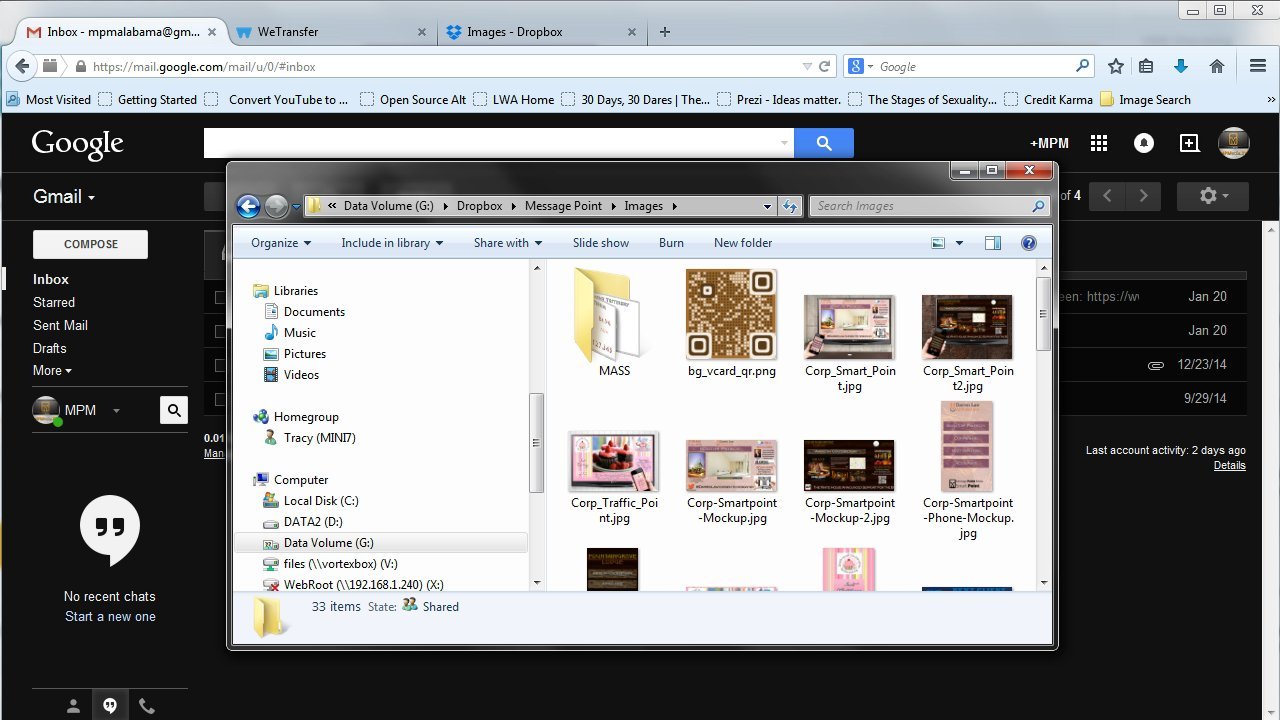
    In this video we go through several ways of submitting content to us for posting to your channel. This includes methods like Google Drive, Dropbox, and WeTransfer that can handle multiple files, or large files like video that exceed the size you can submit via email directly

    How to Submit Content for Upload to Your Channel

    Created: Mar 5, 2015
  • Common Mistakes in Content Creation And How To Correct Them

    Feb 10, 2015 | 08:47

    Three Common Mistakes In Creating Content for Message Point TV and What to do instead to make it better.

    Common Mistakes in Content Creation And How To Correct Them

    Created: Feb 10, 2015
  • Advanced Content Creation with Canva

    Feb 10, 2015 | 10:28

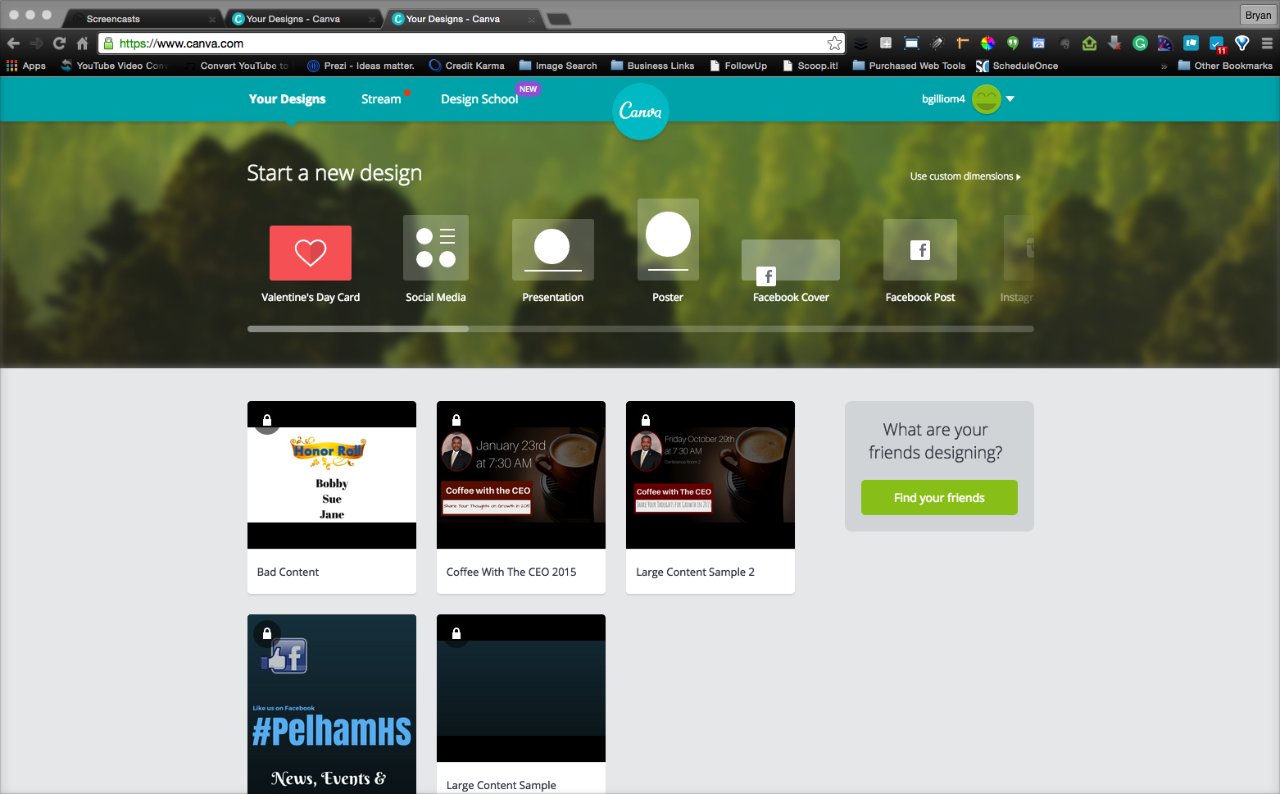
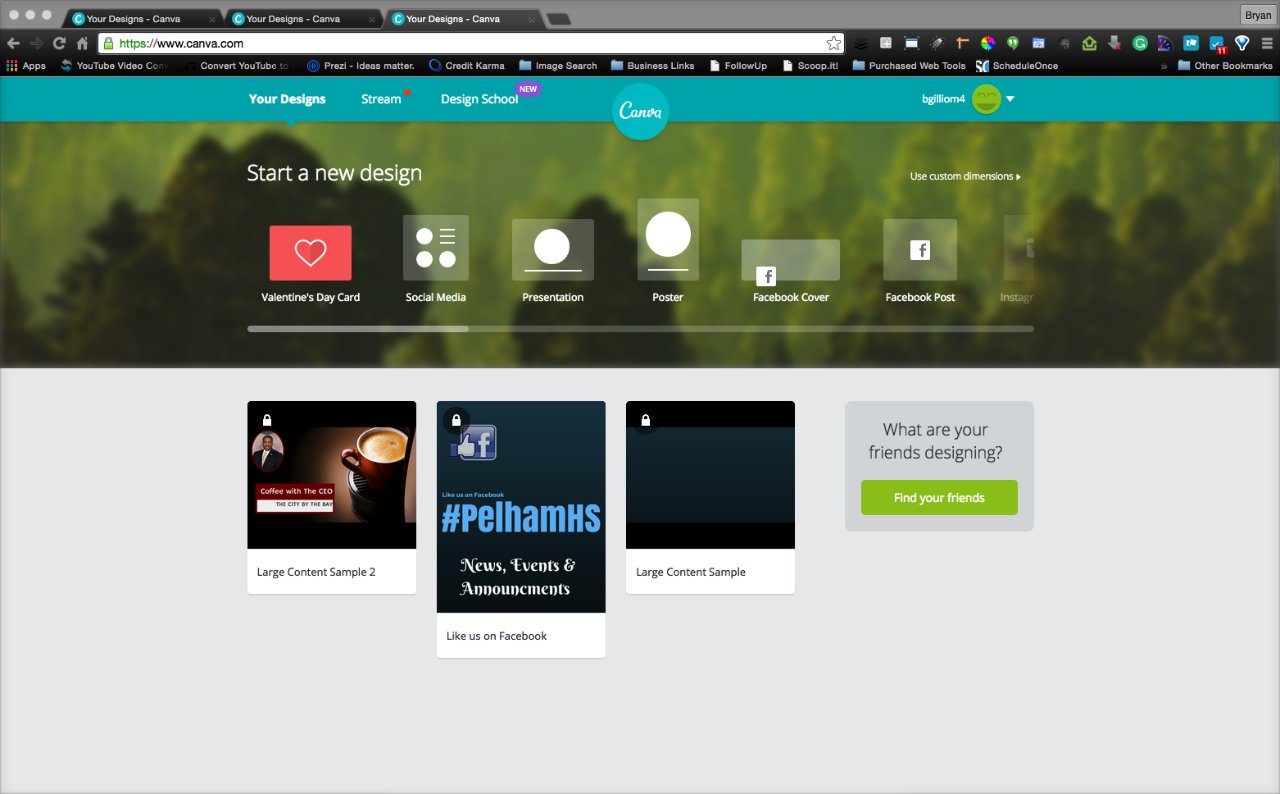
    Creating a Content Design from Scratch in less than 8 minutes with Canva and some tips and tricks for creating awesome looking professional content.
    Advanced Content Creation with Canva

    Created: Feb 10, 2015
  • How to Post News Items and Change Dates or Authors
  • App Example Video
  • Optimizing Channel Length
  • How to Submit Content for Upload to Your Channel
  • Common Mistakes in Content Creation And How To Correct Them
  • Advanced Content Creation with Canva